
Your store becomes mobile — Bring your Wix catalogue into a polished Android and iOS shopping experience.
Wix connector tutorial
Connect Wix Stores to SellViaApp, step by step.
Install SellViaApp from Wix, authorise the connection, synchronise catalogue and customers, then validate the mobile experience.
✓ Wix Stores✓ Administrator access✓ SellViaApp account
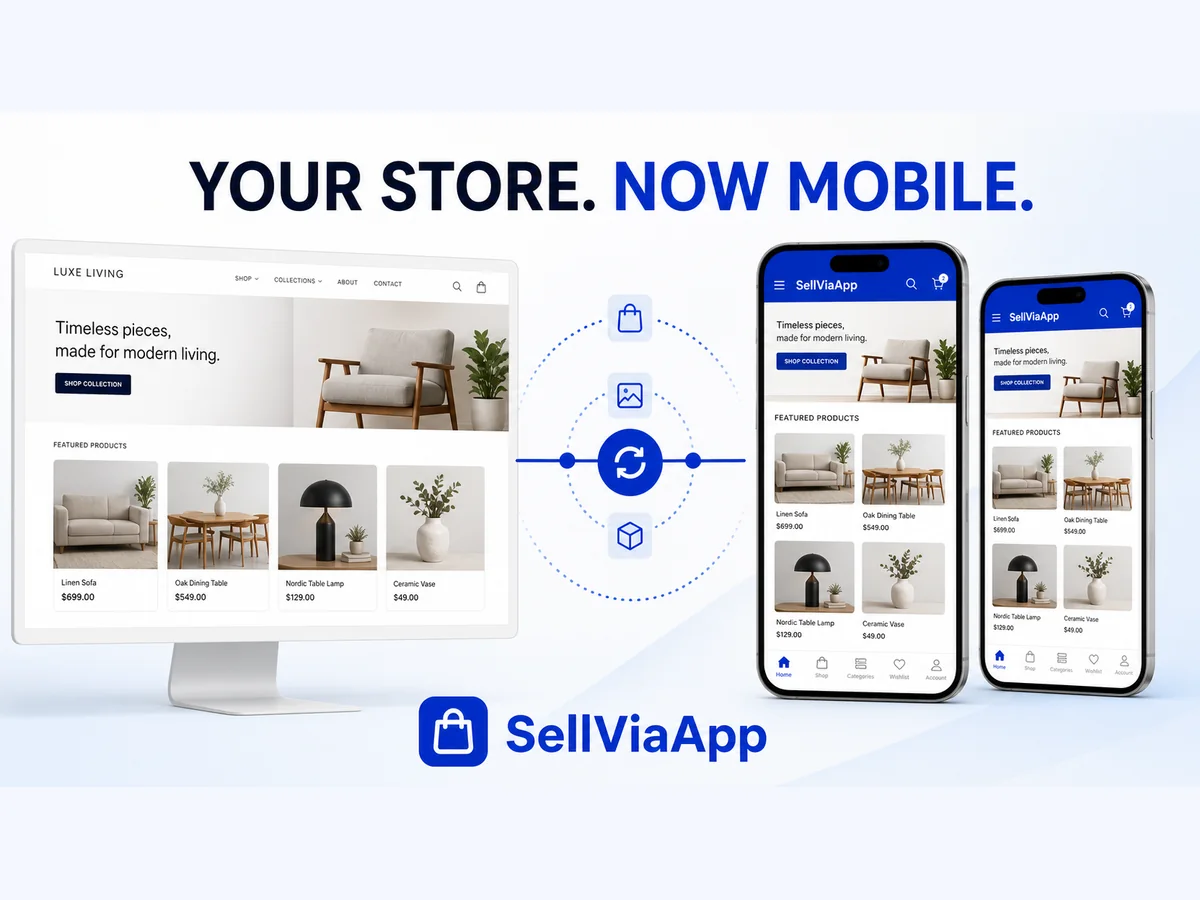
Wix Stores × SellViaApp
At the end of this guide
A clear connector dashboard — Launch synchronisations, follow progress and verify the connection from one place.
An always-aligned catalogue — Keep categories, products, images, prices, promotions and stock synchronised.
Connected customer accounts — Synchronise useful customer information without sending an automatic SellViaApp email.
Prepare your accounts
Use a Wix site with Wix Stores, at least one visible product and administrator access.
What to do
- Use a Wix site with Wix Stores, at least one visible product and administrator access.
- Keep Wix as your source of truth. SellViaApp synchronises your catalogue and customers through secure Wix APIs, then makes the experience available on Android and iOS.
- Start with one test customer who has a valid email address before sending a larger selection.
Check before continuing
Both administrations are accessible and the required store module is active.
Install the connector
Install SellViaApp from Wix
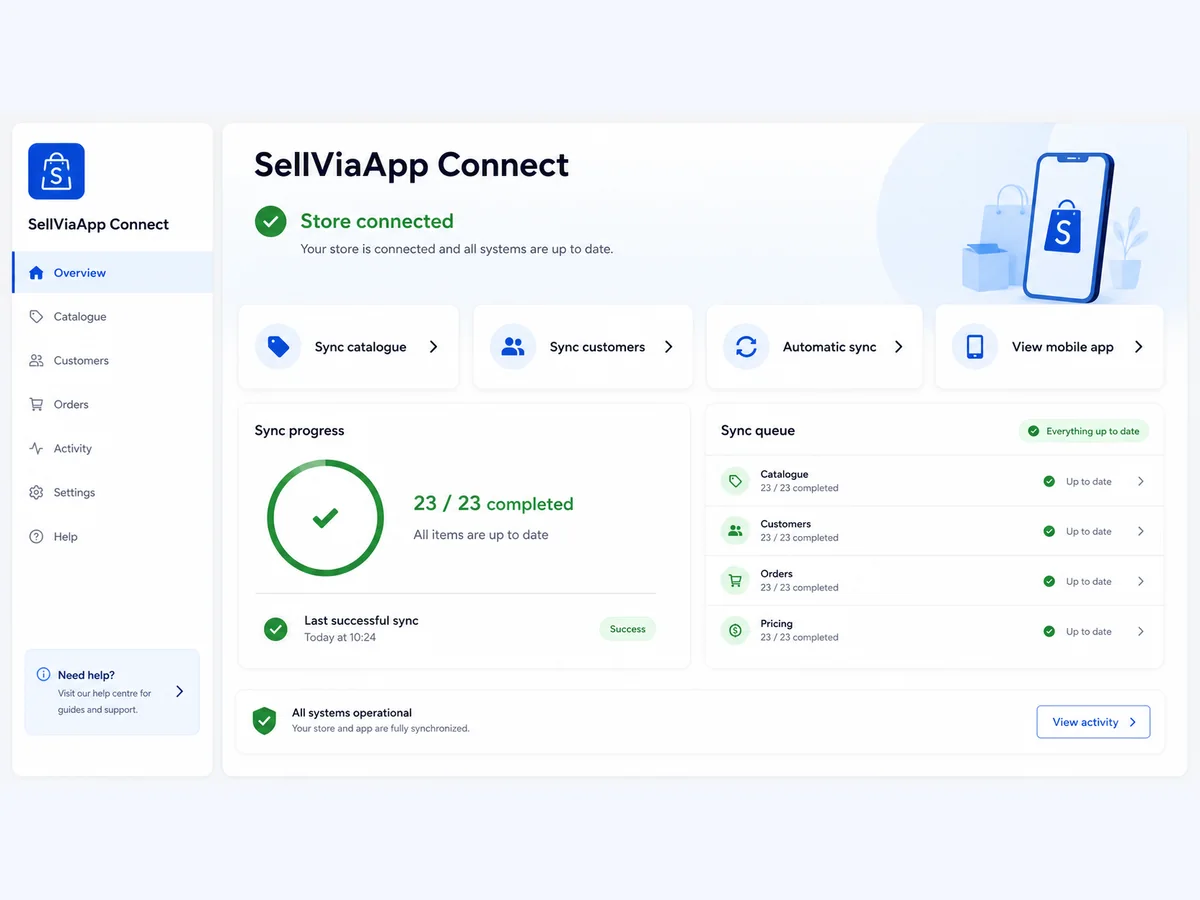
What to do
- Open the SellViaApp listing in the Wix App Market.
- Choose the Wix site to connect and review the requested permissions.
- Approve the installation and open the SellViaApp Connect dashboard.
Check before continuing
The connector page opens without an installation warning.
Connect SellViaApp securely
Connect your SellViaApp Dashboard account
What to do
- Connect your SellViaApp Dashboard account
- The connector validates signed Wix instances, uses four-hour server tokens, verifies webhook JWT signatures, queues events idempotently and never stores your SellViaApp Dashboard password.
- Keep API keys and integration tokens private. Never paste them into a support message or screenshot.
Check before continuing
The connector shows a connected and authenticated state.
Publish the catalogue
Preview and synchronise the catalogue

What to do
- Products, categories, images, prices, promotions, stock, visibility and customer profiles are processed in secure batches. Automatic webhooks queue every change without slowing down your Wix site.
- Wix Stores V1 and V3 catalogues
- Categories, products and multiple images
Check before continuing
The expected categories, products, images, prices and stock are visible.
Synchronise customer access
Customer synchronisation without automatic email
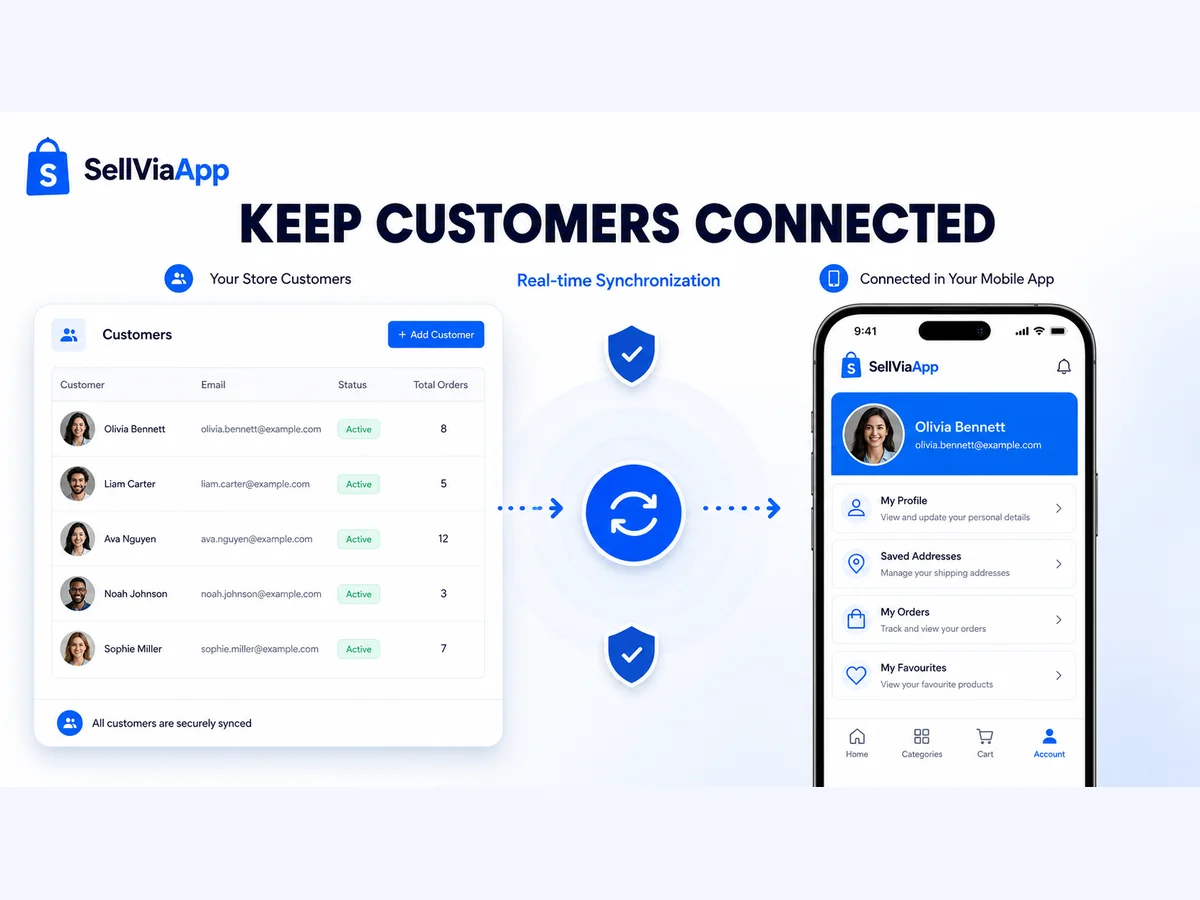
What to do
- Customer synchronisation without automatic email
- Start with one test customer who has a valid email address before sending a larger selection.
- Confirm the synchronisation status in the connector: creating access does not automatically send a SellViaApp email.
Check before continuing
The test customer is visible once, with the expected mobile access state.
Keep changes up to date
Products, categories, images, prices, promotions, stock, visibility and customer profiles are processed in secure batches. Automatic webhooks queue every change without slowing down your Wix site.
What to do
- Automatic queue, progress and targeted retries
- Encrypted credentials and signed webhooks
- Open the connector queue or history and confirm that no item remains blocked.
Check before continuing
A recent change is processed once and the queue returns to idle.
Run a complete mobile test
Test the result on Android or iOS
What to do
- Install or open SellViaApp on Android or iOS.
- Open the connected provider and sign in with the test customer.
- Check the catalogue, product details, price and stock from the phone.
Check before continuing
The complete journey works from the store to the phone.
Good to know
Fast troubleshooting
The Wix app does not open
Confirm that the app is installed on the correct site and that the current Wix user is an administrator.
The connection is pending
Return to the SellViaApp Connect panel and complete the secure account connection.
A product is missing
Confirm that it is visible in Wix Stores, then retry the catalogue synchronisation.
A change is delayed
Check the queue and targeted retry. Signed Wix webhooks place changes in the queue automatically.
Wix Stores × SellViaApp
Make your Wix catalogue mobile.
Create your SellViaApp account now, connect Wix and let customers keep your business in their pocket.