
SellViaApp learning centre
Practical guides that take you from first click to daily use.
Each tutorial explains what to prepare, where to click, what happens to your data and how to confirm that everything works.
Start here

Odoo × SellViaApp
Connect Odoo to SellViaApp
A complete illustrated guide to installation, secure authorisation, products, stock, contacts, customer access, mobile orders and troubleshooting.
- ◷ 5 to 10 minutes maximum
- ✓ Beginner friendly
- ▦ 9 guided stages
More integration tutorials
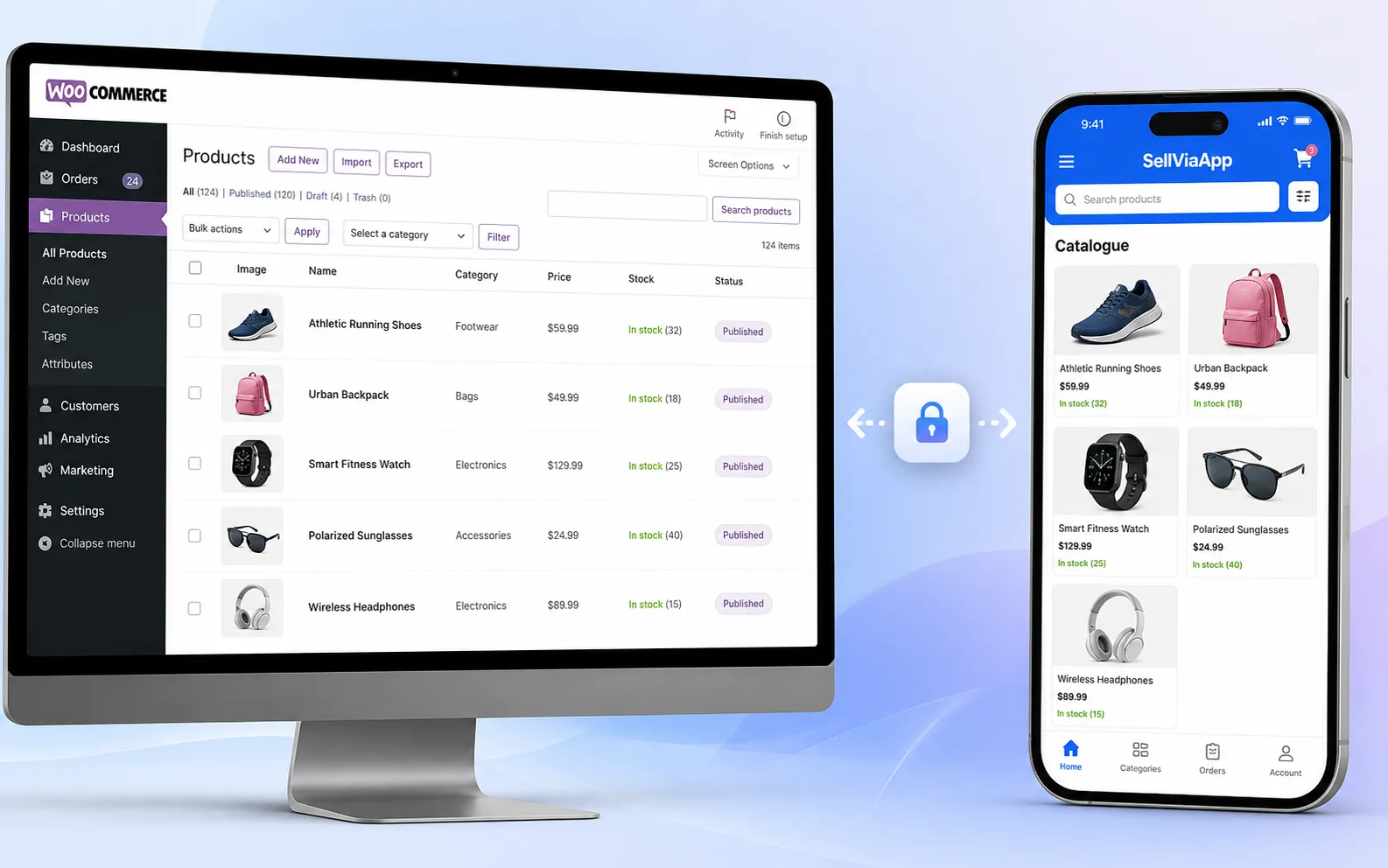
WordPress / WooCommerce × SellViaApp
Connect WordPress and WooCommerce to SellViaApp, step by step.
Install the official plugin, connect your SellViaApp access, publish the catalogue, synchronise customers and retrieve mobile orders.
- ◷ 5 to 10 minutes maximum
- ✓ Beginner friendly
- ▦ 8 guided stages
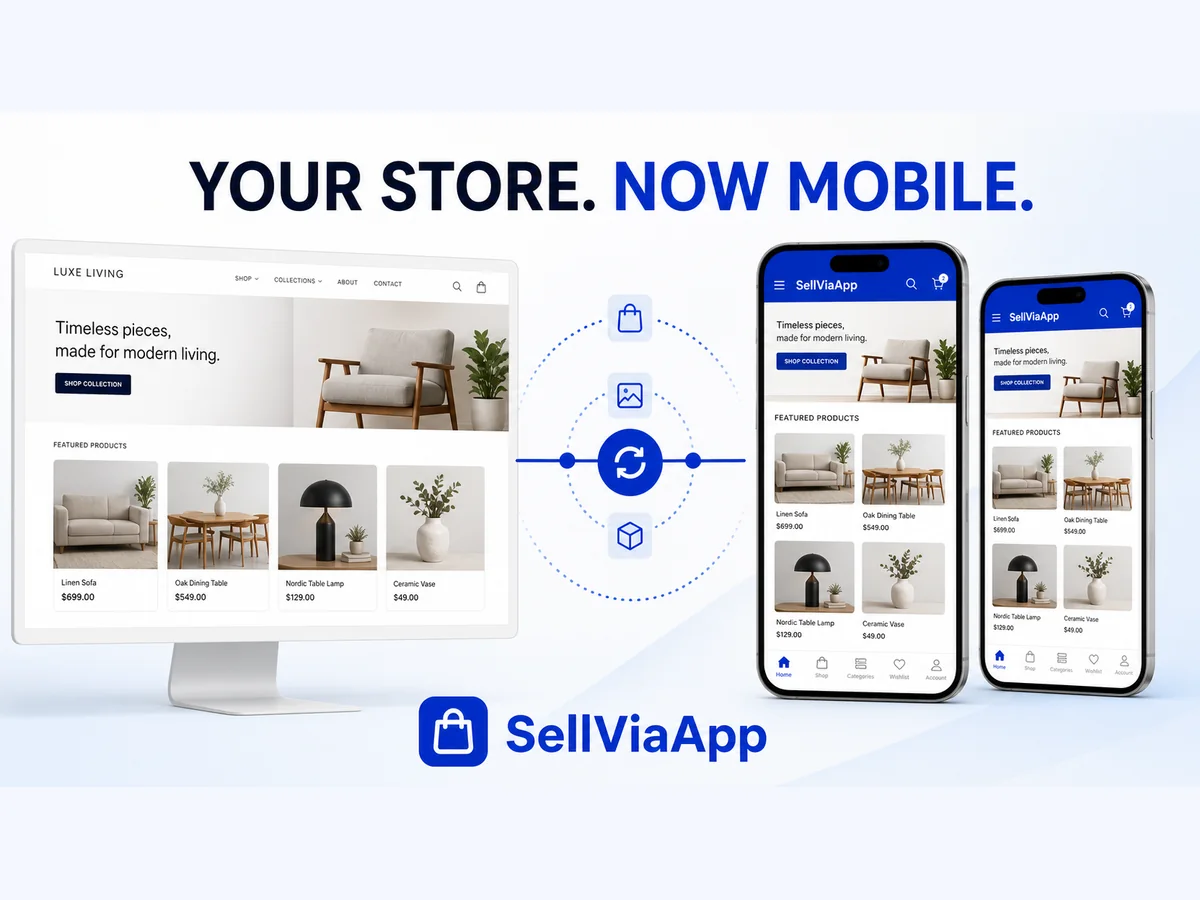
Wix Stores × SellViaApp
Connect Wix Stores to SellViaApp, step by step.
Install SellViaApp from Wix, authorise the connection, synchronise catalogue and customers, then validate the mobile experience.
- ◷ 5 to 10 minutes maximum
- ✓ Beginner friendly
- ▦ 7 guided stages
More guides are being prepared
Future tutorials will cover the SellViaApp dashboard, confidential catalogues, mobile customer onboarding and other integrations.