
Situation 1
A customer compares white sneakers and running shoes, then orders the chosen pair in the app.
Help customers browse shoes, styles and new arrivals on their phones.
Your business has its own way of working. Here is how customers can keep your offer on their phones instead of searching for your website every time.
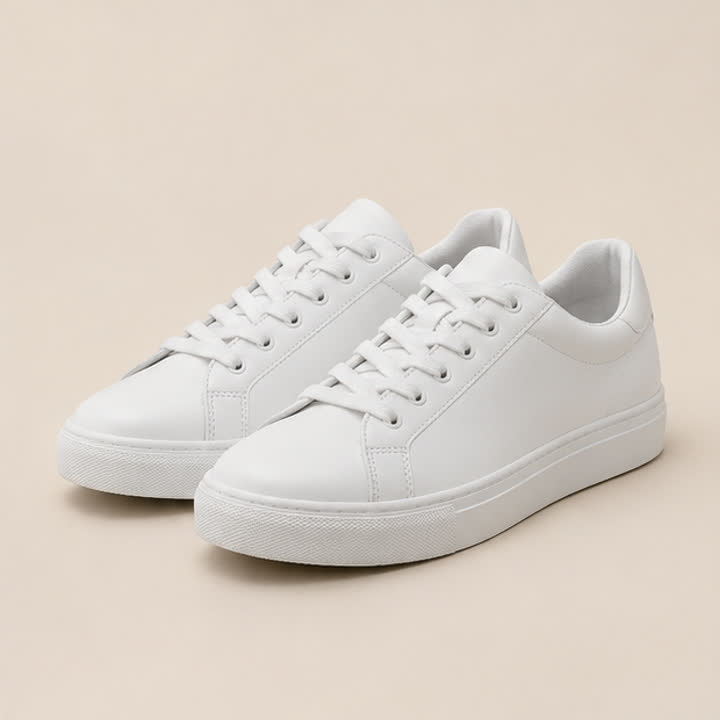

A customer compares white sneakers and running shoes, then orders the chosen pair in the app.
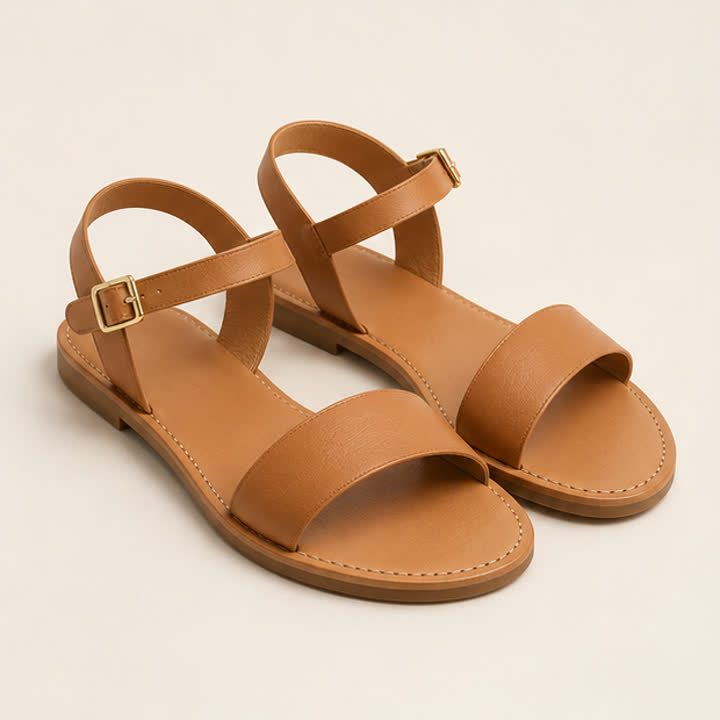
Before a holiday, a shopper finds the sandals again and checks the available offer on mobile.
Illustrative examples based on the demo; available options depend on your shop settings.
Browse the items, open a product and explore the next step right here.
Illustrative simulation. Nothing is ordered, sent or charged here; the mobile app may look different.
Open the mobile demo ↗SolevaCatalogue
Explore this demo before opening it in the mobile app.
Illustrative preview based on this demo. The app interface may differ.
Add your name, logo and colors.
Share your space link or QR code: SellViaApp opens the right shop or service.
Open this demo in the free SellViaApp app. The content is fictional and only shows how the journey works.
Guest access available · Or test account: test / 123456